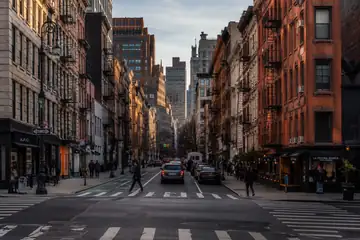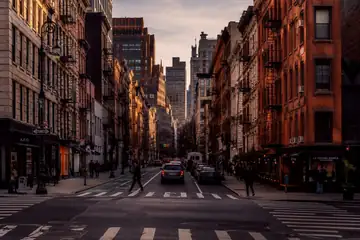
After

Original
Preview filters and effects
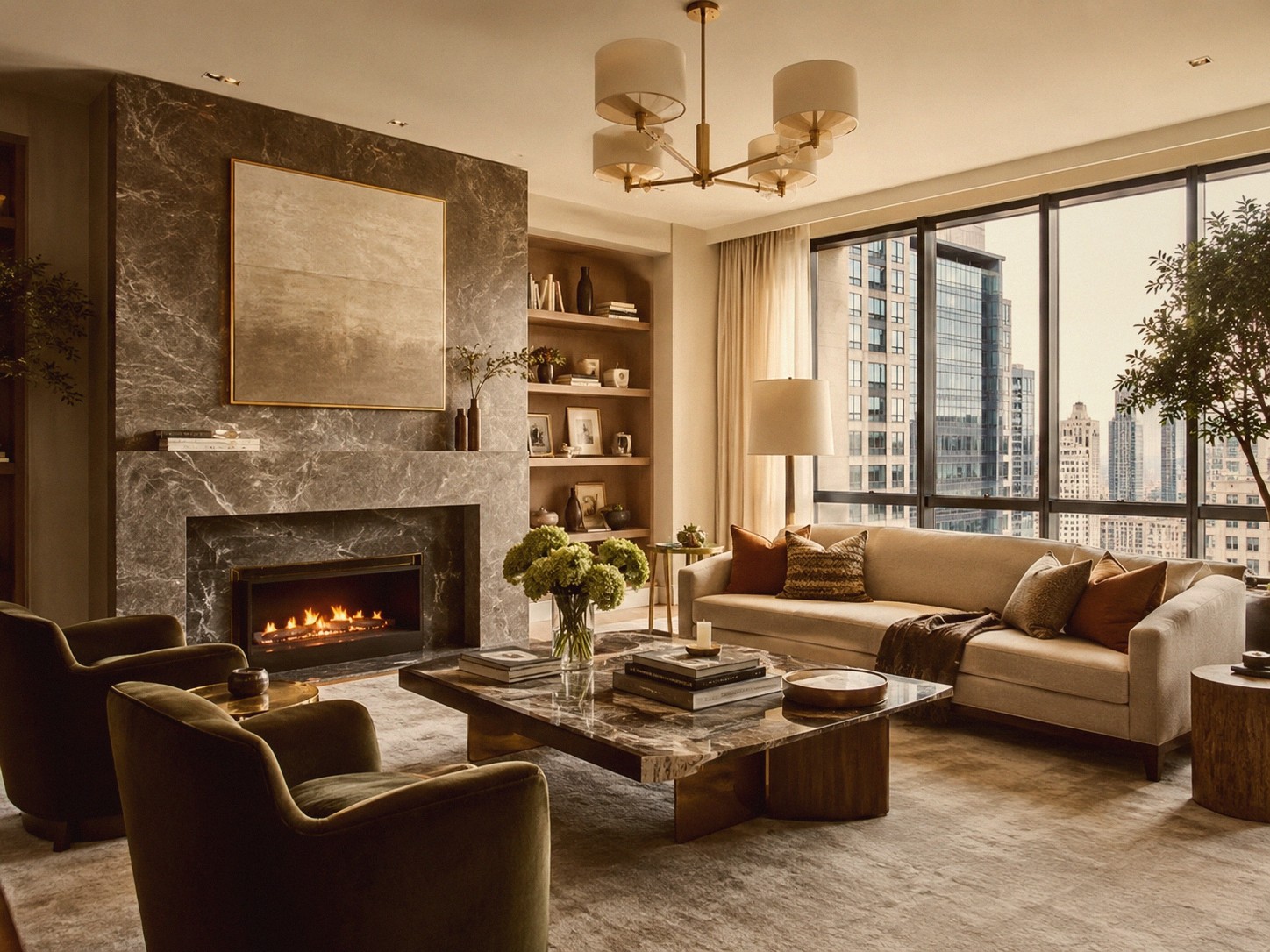
Show how a filter changes mood, tone, color, and contrast before applying it.
- Visual effect
Filter demos are most useful when every filter uses the same source image for easy comparison.
Choose a filter page, upload an image, and process it through the compact ImageHQ filter endpoint.
Try grayscaleAfter
Original
Show how a filter changes mood, tone, color, and contrast before applying it.
Filter demos are most useful when every filter uses the same source image for easy comparison.
Start with 12 commonly used filters for everyday edits, creative looks, social images, and document cleanup.
 BeforeAfter
Illustrative style comparison · your results depend on the selected tool and model
Apply sharpen image to images online with ImageHQ.
Open filterBeforeAfterIllustrative style comparison · your results depend on the selected tool and model
Apply golden hour filter to images online with ImageHQ.
Open filterBeforeAfterIllustrative style comparison · your results depend on the selected tool and model
Apply vhs glitch filter to images online with ImageHQ.
Open filterBeforeAfterIllustrative style comparison · your results depend on the selected tool and model
Apply receipt boost filter to images online with ImageHQ.
Open filterExplore every ImageHQ photo filter in deterministic, crawlable pages.
Page 1 of 6 · Up to 60 items per page
 Before
 After
Apply blur image to images online with ImageHQ.
 Before
 After
Apply grayscale image to images online with ImageHQ.
 Before
 After
Apply sepia filter to images online with ImageHQ.
BeforeAfterIllustrative style comparison · your results depend on the selected tool and model
Apply sharpen image to images online with ImageHQ.
BeforeAfterIllustrative style comparison · your results depend on the selected tool and model
Apply vhs glitch filter to images online with ImageHQ.
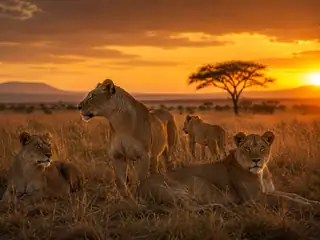 Before
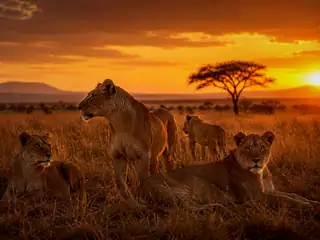 After
Apply cinematic filter to images online with ImageHQ.
 Before
 After
Apply vintage filter to images online with ImageHQ.
 Before
 After
Apply viral glow filter to images online with ImageHQ.
BeforeAfterIllustrative style comparison · your results depend on the selected tool and model
Apply balanced skin filter to images online with ImageHQ.
BeforeAfterIllustrative style comparison · your results depend on the selected tool and model
Apply bright product filter to images online with ImageHQ.
BeforeAfterIllustrative style comparison · your results depend on the selected tool and model
Apply brightness filter to images online with ImageHQ.
BeforeAfterIllustrative style comparison · your results depend on the selected tool and model
Apply clean bright filter to images online with ImageHQ.
BeforeAfterIllustrative style comparison · your results depend on the selected tool and model
Apply clean ecommerce filter to images online with ImageHQ.
BeforeAfterIllustrative style comparison · your results depend on the selected tool and model
Apply clear detail filter to images online with ImageHQ.
BeforeAfterIllustrative style comparison · your results depend on the selected tool and model
Apply contrast filter to images online with ImageHQ.
BeforeAfterIllustrative style comparison · your results depend on the selected tool and model
Apply cool clean filter to images online with ImageHQ.
BeforeAfterIllustrative style comparison · your results depend on the selected tool and model
Apply crisp daylight filter to images online with ImageHQ.
BeforeAfterIllustrative style comparison · your results depend on the selected tool and model
Apply deep contrast filter to images online with ImageHQ.
BeforeAfterIllustrative style comparison · your results depend on the selected tool and model
Apply fresh air filter to images online with ImageHQ.
BeforeAfterIllustrative style comparison · your results depend on the selected tool and model
Apply gentle boost filter to images online with ImageHQ.
BeforeAfterIllustrative style comparison · your results depend on the selected tool and model
Apply gentle hdr filter to images online with ImageHQ.
BeforeAfterIllustrative style comparison · your results depend on the selected tool and model
Apply high clarity filter to images online with ImageHQ.
BeforeAfterIllustrative style comparison · your results depend on the selected tool and model
Apply low noise filter to images online with ImageHQ.
BeforeAfterIllustrative style comparison · your results depend on the selected tool and model
Apply matte clear filter to images online with ImageHQ.
BeforeAfterIllustrative style comparison · your results depend on the selected tool and model
Apply morning light filter to images online with ImageHQ.
BeforeAfterIllustrative style comparison · your results depend on the selected tool and model
Apply natural pop filter to images online with ImageHQ.
BeforeAfterIllustrative style comparison · your results depend on the selected tool and model
Apply neutral editorial filter to images online with ImageHQ.
BeforeAfterIllustrative style comparison · your results depend on the selected tool and model
Apply neutral lift filter to images online with ImageHQ.
BeforeAfterIllustrative style comparison · your results depend on the selected tool and model
Apply saturation filter to images online with ImageHQ.
BeforeAfterIllustrative style comparison · your results depend on the selected tool and model
Apply smooth light filter to images online with ImageHQ.
BeforeAfterIllustrative style comparison · your results depend on the selected tool and model
Apply soft contrast filter to images online with ImageHQ.
BeforeAfterIllustrative style comparison · your results depend on the selected tool and model
Apply soft documentary filter to images online with ImageHQ.
BeforeAfterIllustrative style comparison · your results depend on the selected tool and model
Apply soft indoor filter to images online with ImageHQ.
BeforeAfterIllustrative style comparison · your results depend on the selected tool and model
Apply soft product filter to images online with ImageHQ.
BeforeAfterIllustrative style comparison · your results depend on the selected tool and model
Apply soft shadow filter to images online with ImageHQ.
BeforeAfterIllustrative style comparison · your results depend on the selected tool and model
Apply subtle lux filter to images online with ImageHQ.
BeforeAfterIllustrative style comparison · your results depend on the selected tool and model
Apply sunny balance filter to images online with ImageHQ.
BeforeAfterIllustrative style comparison · your results depend on the selected tool and model
Apply true color filter to images online with ImageHQ.
BeforeAfterIllustrative style comparison · your results depend on the selected tool and model
Apply urban clean filter to images online with ImageHQ.
BeforeAfterIllustrative style comparison · your results depend on the selected tool and model
Apply warm clean filter to images online with ImageHQ.
BeforeAfterIllustrative style comparison · your results depend on the selected tool and model
Apply window light filter to images online with ImageHQ.
BeforeAfterIllustrative style comparison · your results depend on the selected tool and model
Apply analog grain filter to images online with ImageHQ.
BeforeAfterIllustrative style comparison · your results depend on the selected tool and model
Apply antique gold filter to images online with ImageHQ.
BeforeAfterIllustrative style comparison · your results depend on the selected tool and model
Apply blue noir bw filter to images online with ImageHQ.
BeforeAfterIllustrative style comparison · your results depend on the selected tool and model
Apply blue silver filter to images online with ImageHQ.
BeforeAfterIllustrative style comparison · your results depend on the selected tool and model
Apply bright bw filter to images online with ImageHQ.
BeforeAfterIllustrative style comparison · your results depend on the selected tool and model
Apply brown bw filter to images online with ImageHQ.
BeforeAfterIllustrative style comparison · your results depend on the selected tool and model
Apply brownie camera filter to images online with ImageHQ.
BeforeAfterIllustrative style comparison · your results depend on the selected tool and model
Apply charcoal filter to images online with ImageHQ.
BeforeAfterIllustrative style comparison · your results depend on the selected tool and model
Apply cinema stock filter to images online with ImageHQ.
BeforeAfterIllustrative style comparison · your results depend on the selected tool and model
Apply classic film filter to images online with ImageHQ.
BeforeAfterIllustrative style comparison · your results depend on the selected tool and model
Apply cool bw filter to images online with ImageHQ.
BeforeAfterIllustrative style comparison · your results depend on the selected tool and model
Apply cool film filter to images online with ImageHQ.
BeforeAfterIllustrative style comparison · your results depend on the selected tool and model
Apply cream film filter to images online with ImageHQ.
BeforeAfterIllustrative style comparison · your results depend on the selected tool and model
Apply creamy bw filter to images online with ImageHQ.
BeforeAfterIllustrative style comparison · your results depend on the selected tool and model
Apply disposable camera filter to images online with ImageHQ.
BeforeAfterIllustrative style comparison · your results depend on the selected tool and model
Apply document bw filter to images online with ImageHQ.
BeforeAfterIllustrative style comparison · your results depend on the selected tool and model
Apply faded bw filter to images online with ImageHQ.
BeforeAfterIllustrative style comparison · your results depend on the selected tool and model
Apply faded chrome filter to images online with ImageHQ.
BeforeAfterIllustrative style comparison · your results depend on the selected tool and model
Apply faded print filter to images online with ImageHQ.
After
Original
Show how a filter changes mood, tone, color, and contrast before applying it.
Filter demos are most useful when every filter uses the same source image for easy comparison.
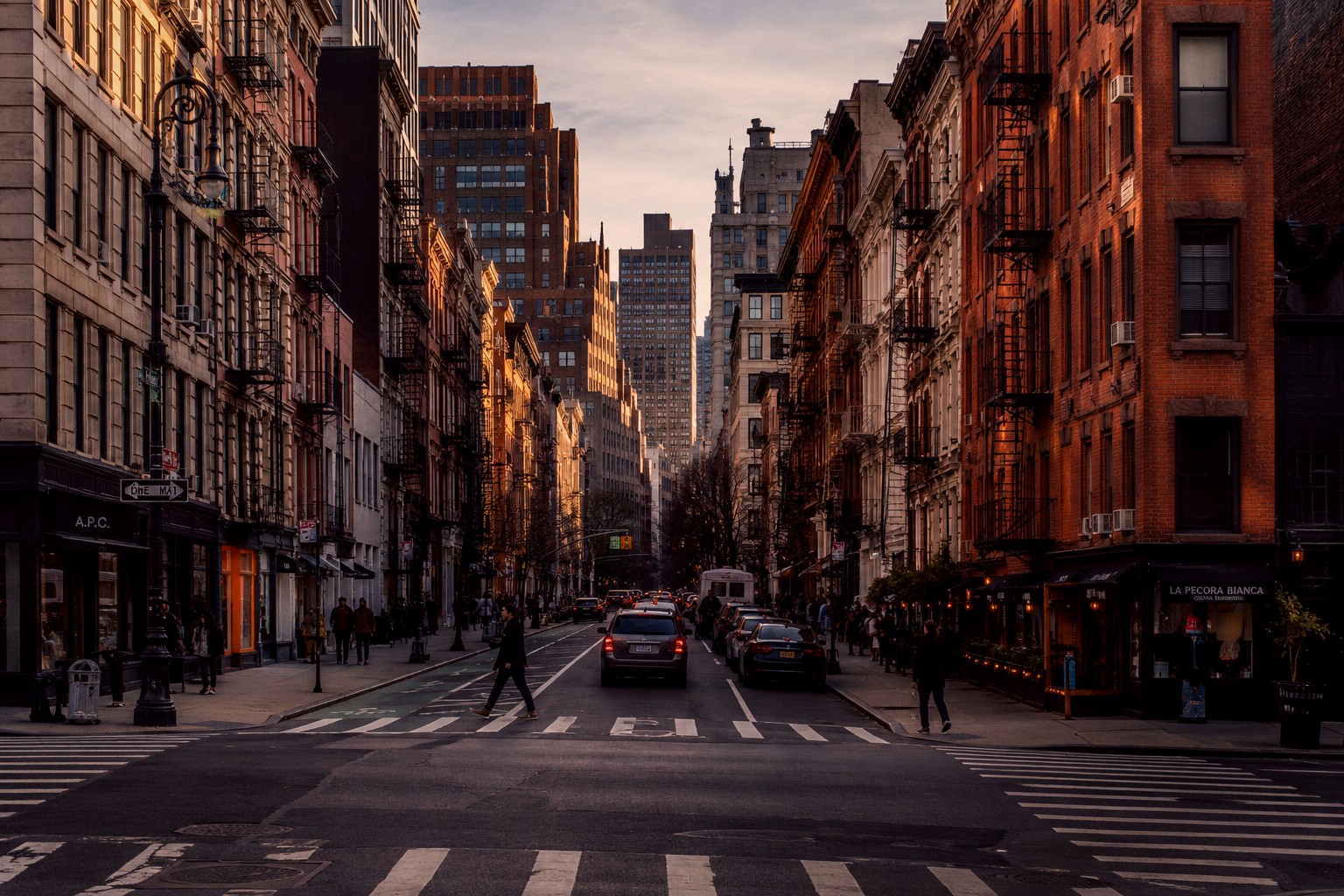
After

Original
Show how a filter changes mood, tone, color, and contrast before applying it.
Filter demos are most useful when every filter uses the same source image for easy comparison.
Build repeatable filter workflows through POST /v1/task/ using direct uploads and asynchronous task results.
View /developers/docs/operations/filterFilter pages submit operation=filter to POST /v1/task/ using managed image assets.
No. /filter/blur and similar paths are frontend pages only.
Yes. Live pages expose an intensity control and output options before submitting jobs.