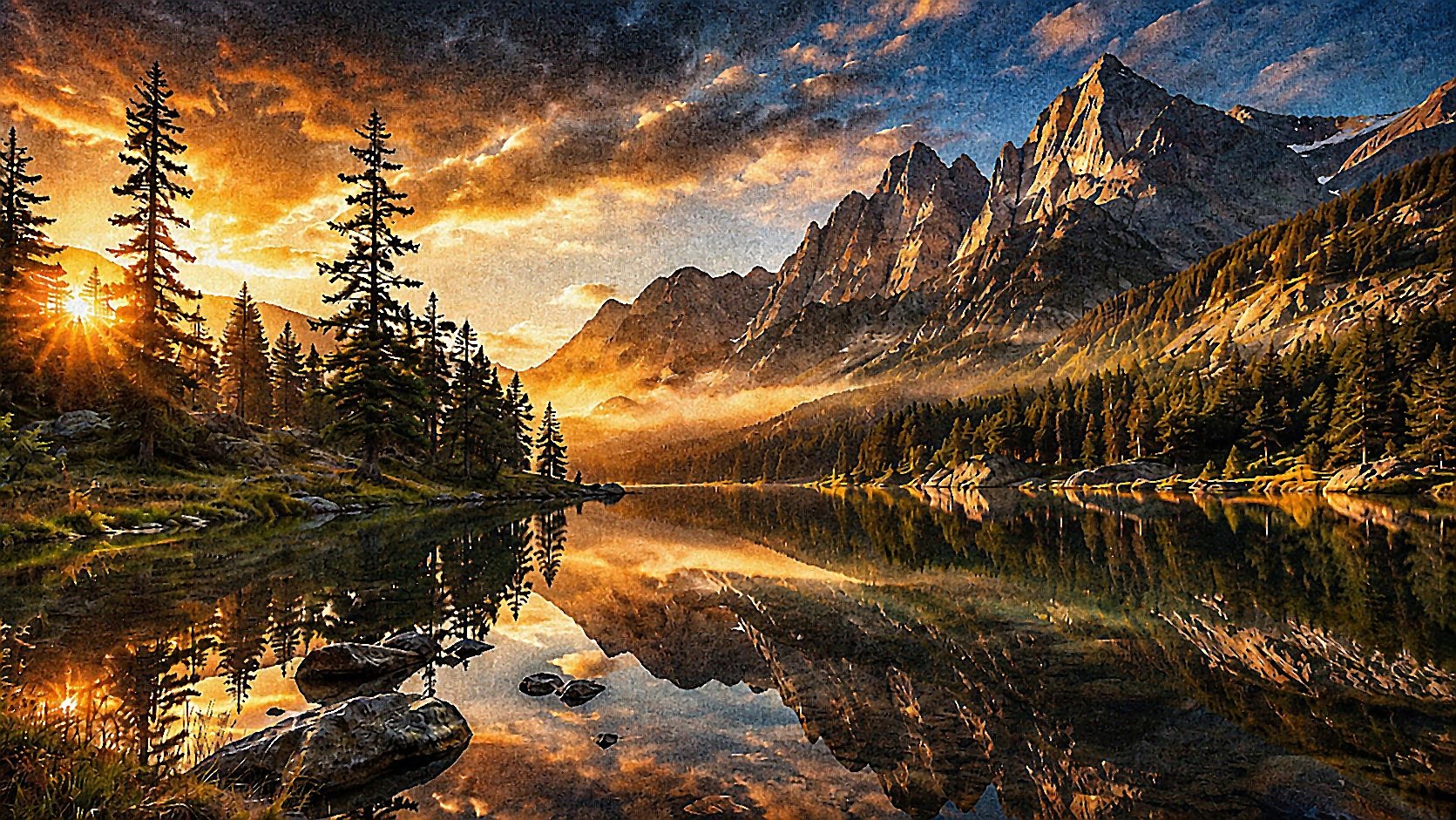
After
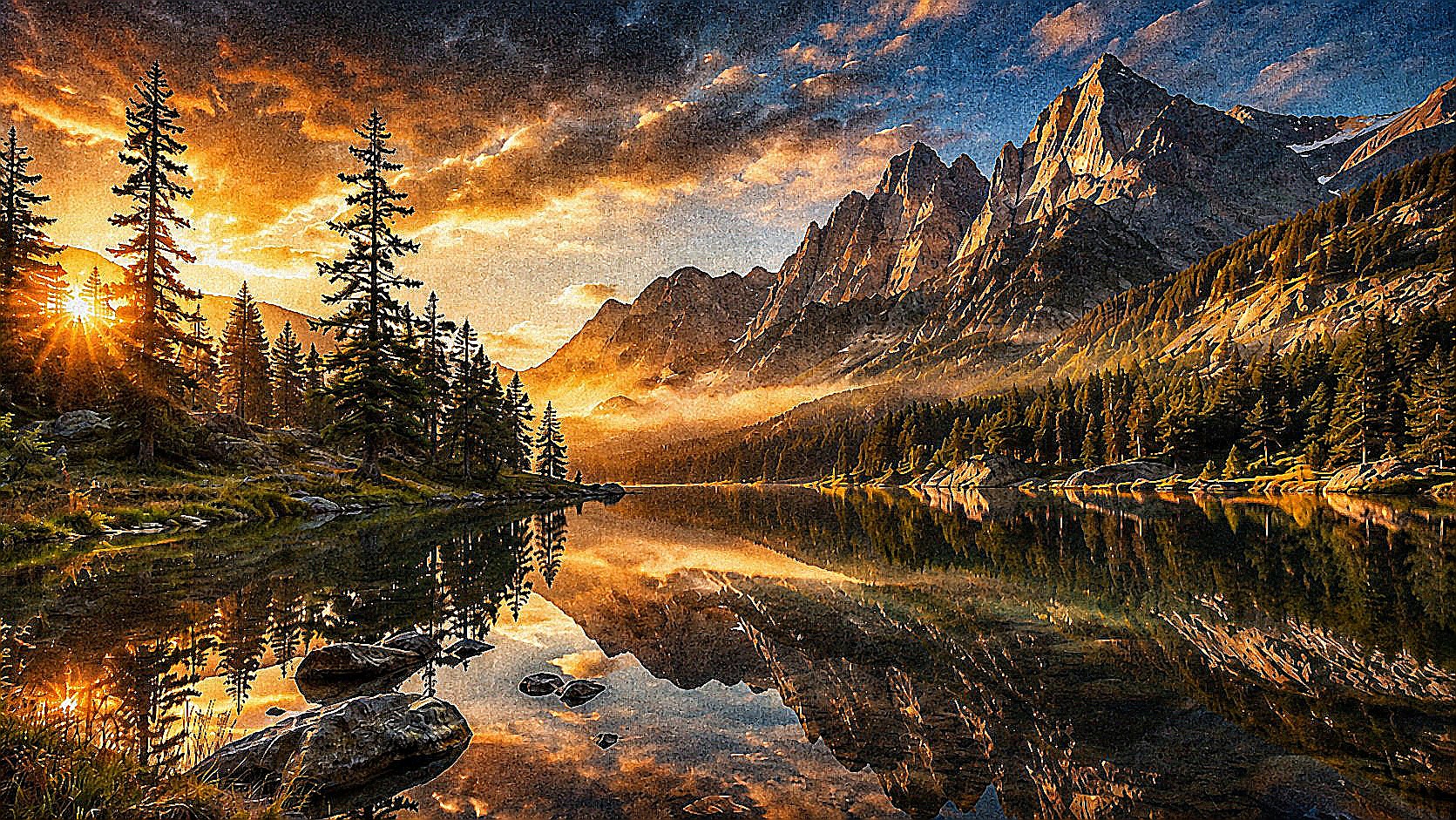
Before
Enhance detail and clarity
Show the difference between a soft, low-detail image and a clearer enhanced result.
- HD
Enhancement demos should be honest: show clearer detail without promising unrealistic reconstruction.
Denoising reduces random grain, color speckles, and sensor noise. Strong denoising can make images look cleaner but may smear fine detail, hair, fabric, foliage, or text.
or drag and drop images here
Fast async jobs
No install required
Temporary files
Batch uploads
After
Before
Show the difference between a soft, low-detail image and a clearer enhanced result.
Enhancement demos should be honest: show clearer detail without promising unrealistic reconstruction.
.png, .jpg, .jpeg, .webp
same_as_input, jpg, png, webp
/v1/enhance
Submit files to /v1/enhance, poll the job endpoint, then download outputs programmatically.
Denoising reduces random grain, color speckles, and sensor noise. Strong denoising can make images look cleaner but may smear fine detail, hair, fabric, foliage, or text.
Denoising separates unwanted local variation from real edges and texture. The harder the image, the more the tool must guess.
Moderate to heavy depending on method. AI denoise and edge-aware filters are slower than simple smoothing but usually preserve detail better.
Higher strength removes more noise and more texture.
Keeps edges and fine structures when possible.
Removes metadata from generated output when supported.
The operation may treat real texture as noise. Lower strength or apply sharpening after denoise.
Often yes. Cleaner images usually compress better, but over-denoise can look artificial.
Noise and fine texture can look similar to algorithms. Strong denoising may remove both.
It can improve noisy low-light photos, but severe underexposure may still lack detail and color accuracy.
Usually denoise first, then apply gentle sharpening to the final size.
Sometimes partially, but JPEG blocking and ringing may need artifact-specific cleanup.
The public ImageHQ frontend is built for fast browser-based image jobs backed by compact async APIs.
ImageHQ jobs use temporary file retention for processing and downloads.
ImageMagick - library_documentation
NVIDIA Developer - official_vendor_doc