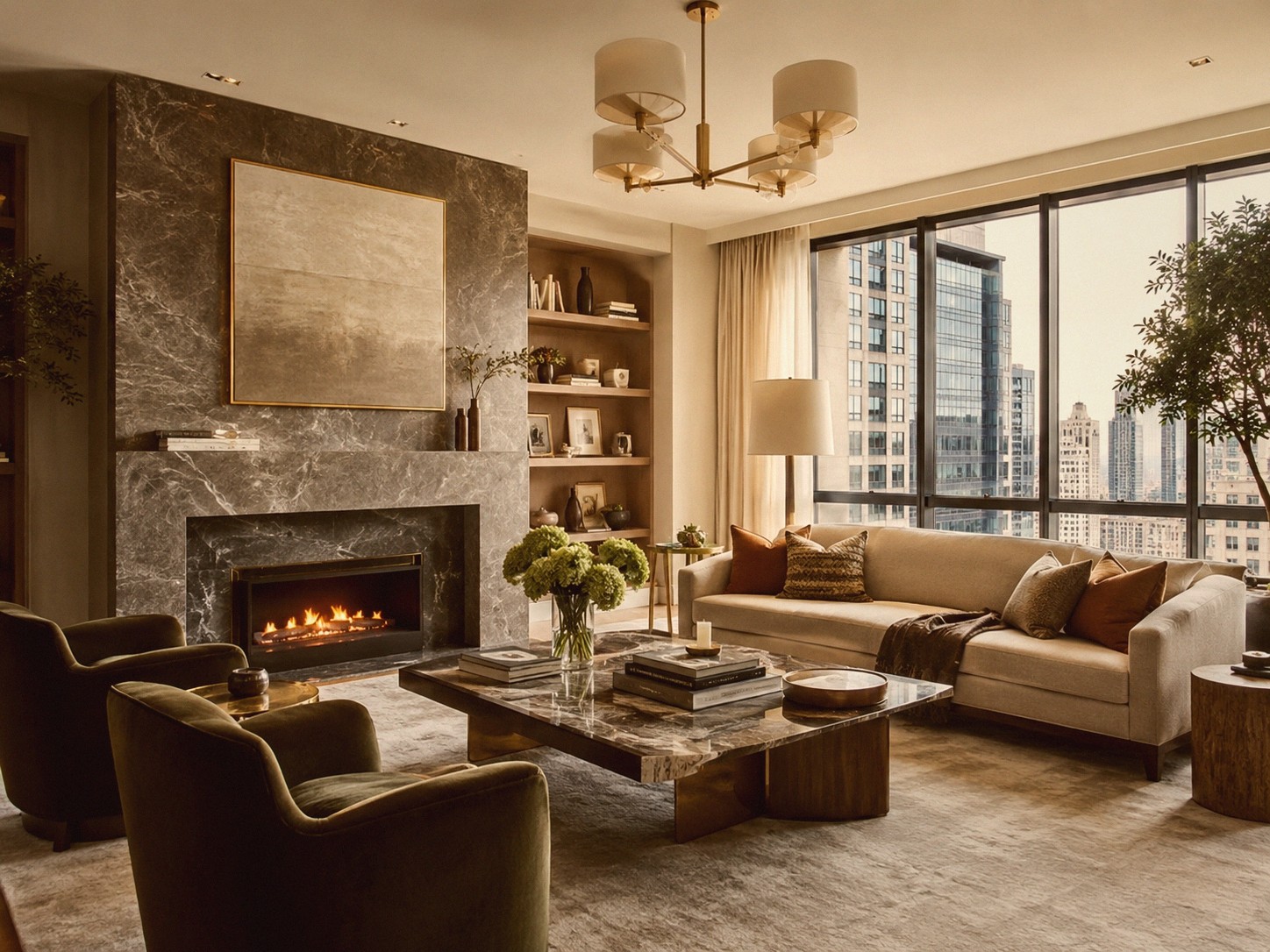
Après

Original
Prévisualisez les filtres et effets
Montrez comment un filtre change l’ambiance, les couleurs, le ton et le contraste.
- Effet visuel
Les filtres sont plus faciles à comparer lorsque la même image source est utilisée.
Choisissez une page de filtre, importez une image et traitez-la via l’endpoint de filtre compact d’ImageHQ.
Essayer niveaux de grisAprès
Original
Montrez comment un filtre change l’ambiance, les couleurs, le ton et le contraste.
Les filtres sont plus faciles à comparer lorsque la même image source est utilisée.
Commencez avec 12 filtres courants pour les retouches quotidiennes, les looks créatifs, les images sociales et le nettoyage de documents.
Explorez chaque filtre photo ImageHQ dans des pages déterministes et indexables.
Page 1 sur 6 · Jusqu’à 60 éléments par page
Apply grayscale image to images online with ImageHQ.
Apply cinematic filter to images online with ImageHQ.
Apply viral glow filter to images online with ImageHQ.
Apply balanced skin filter to images online with ImageHQ.
Apply bright product filter to images online with ImageHQ.
Apply clean bright filter to images online with ImageHQ.
Apply clean ecommerce filter to images online with ImageHQ.
Apply clear detail filter to images online with ImageHQ.
Apply crisp daylight filter to images online with ImageHQ.
Apply deep contrast filter to images online with ImageHQ.
Apply gentle boost filter to images online with ImageHQ.
Apply high clarity filter to images online with ImageHQ.
Apply morning light filter to images online with ImageHQ.
Apply neutral editorial filter to images online with ImageHQ.
Apply neutral lift filter to images online with ImageHQ.
Apply smooth light filter to images online with ImageHQ.
Apply soft contrast filter to images online with ImageHQ.
Apply soft documentary filter to images online with ImageHQ.
Apply soft product filter to images online with ImageHQ.
Apply sunny balance filter to images online with ImageHQ.
Apply window light filter to images online with ImageHQ.
Apply brownie camera filter to images online with ImageHQ.
Apply disposable camera filter to images online with ImageHQ.
Après
Original
Montrez comment un filtre change l’ambiance, les couleurs, le ton et le contraste.
Les filtres sont plus faciles à comparer lorsque la même image source est utilisée.
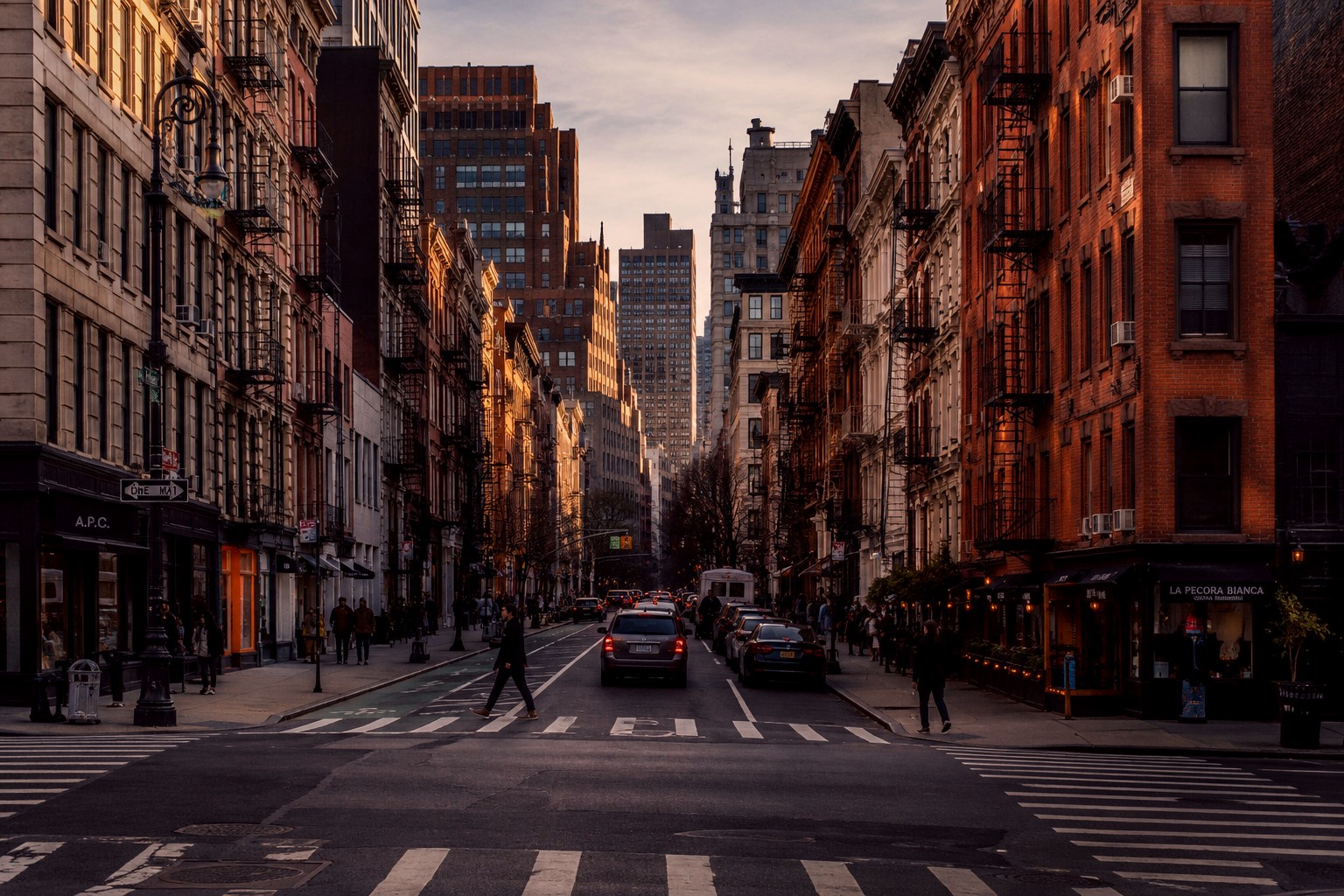
Après

Original
Montrez comment un filtre change l’ambiance, les couleurs, le ton et le contraste.
Les filtres sont plus faciles à comparer lorsque la même image source est utilisée.
Créez des workflows de filtres d’image répétables avec POST /v1/filter, des schémas de requête compacts et des sorties de tâches asynchrones.
Voir /api/filterOui. Les pages de filtres actives utilisent l’endpoint /v1/filter existant avec des valeurs par défaut définies dans le registre.
Non. /filter/blur et les chemins similaires sont uniquement des pages frontend.
Oui. Les pages actives exposent un contrôle d’intensité et des options de sortie avant l’envoi des tâches.